

Ingest data
Now for ingesting some data. As mentioned this is dummy data, so feel free to change it as you see fit. For a real-life solution, an integration is of course required, you can see which integrations we already have saving you the trouble. Take a look at how to ingest data here: Ingesting data.CMS
Use the
API key from your Product List Demo (CMS) when ingesting.CMS Product List
First, we want to create the Product list that comes from the CMS and holds settings such as which URL it should be available at. Use this snippet for ingesting: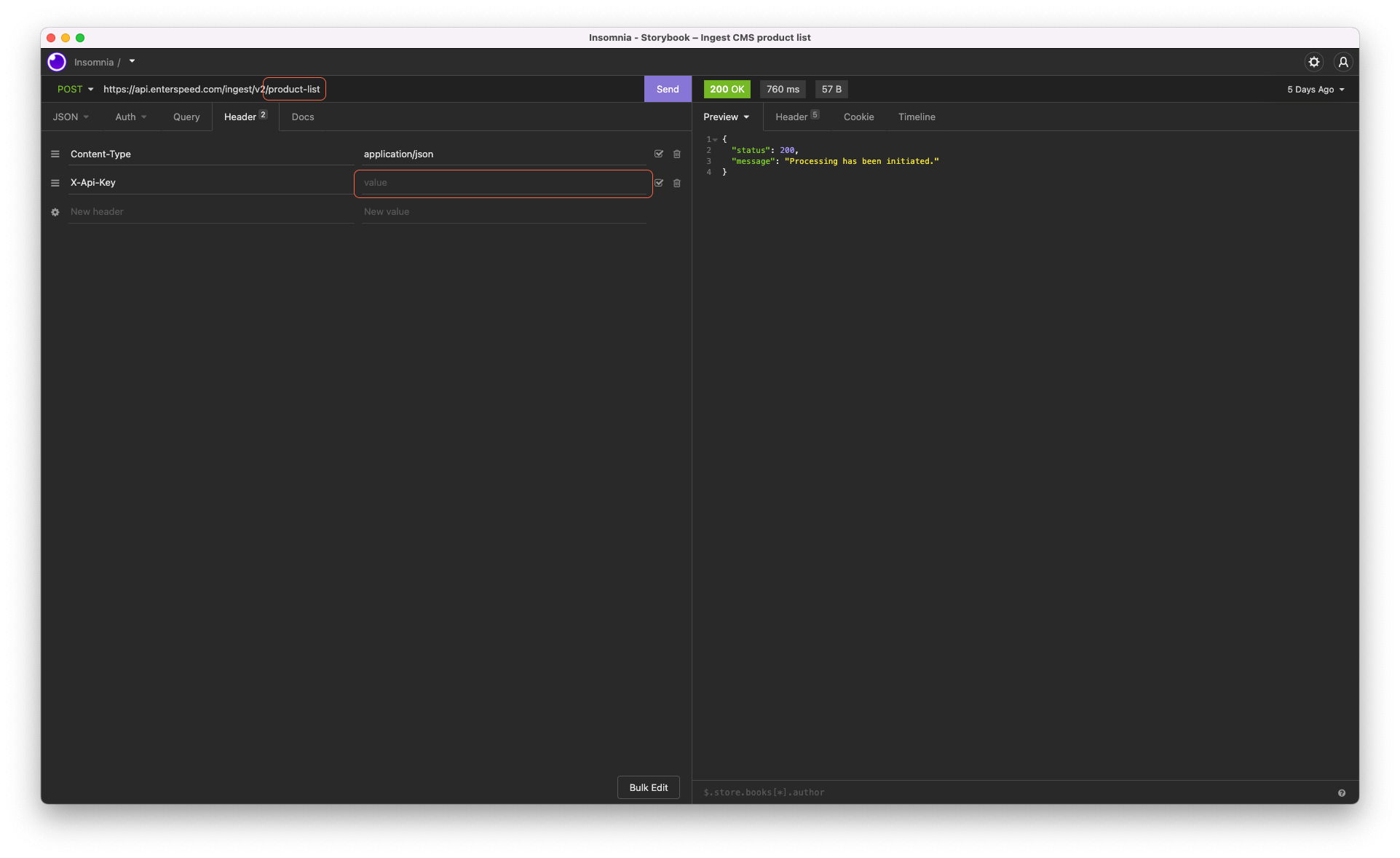
API key from your Product List Demo (CMS) when ingesting and note the id.
PIM
Use the
API key from your Product List Demo (PIM).PIM categories
Then we need to create the PIM categories, you can create as many as you want. And here are some snippets:id: pim-category-1
id: pim-category-2
id: pim-category-3
id: pim-category-4
id: pim-category-5
id: pim-category-6