How to ingest data
There are several ways of doing this:- Using one of our integrations
- Using our .NET SDK
- Using our API
- Using the Management App
Ingesting data via an integration
Using one of our integrations is the easiest way to get data ingested. This integration takes care of calling the Enterspeed Ingest API when changes occur in your backend system.Ingesting data via our .NET SDK
Another way of ingesting data is by using our .NET SDK. You’ll find more information about it here: https://github.com/enterspeedhq/enterspeed-sdk-dotnetIngesting data via our API
Last but now least, you can of course use our API directly to ingest your data. You can find the API documentation right here.Ingesting data via the Management App
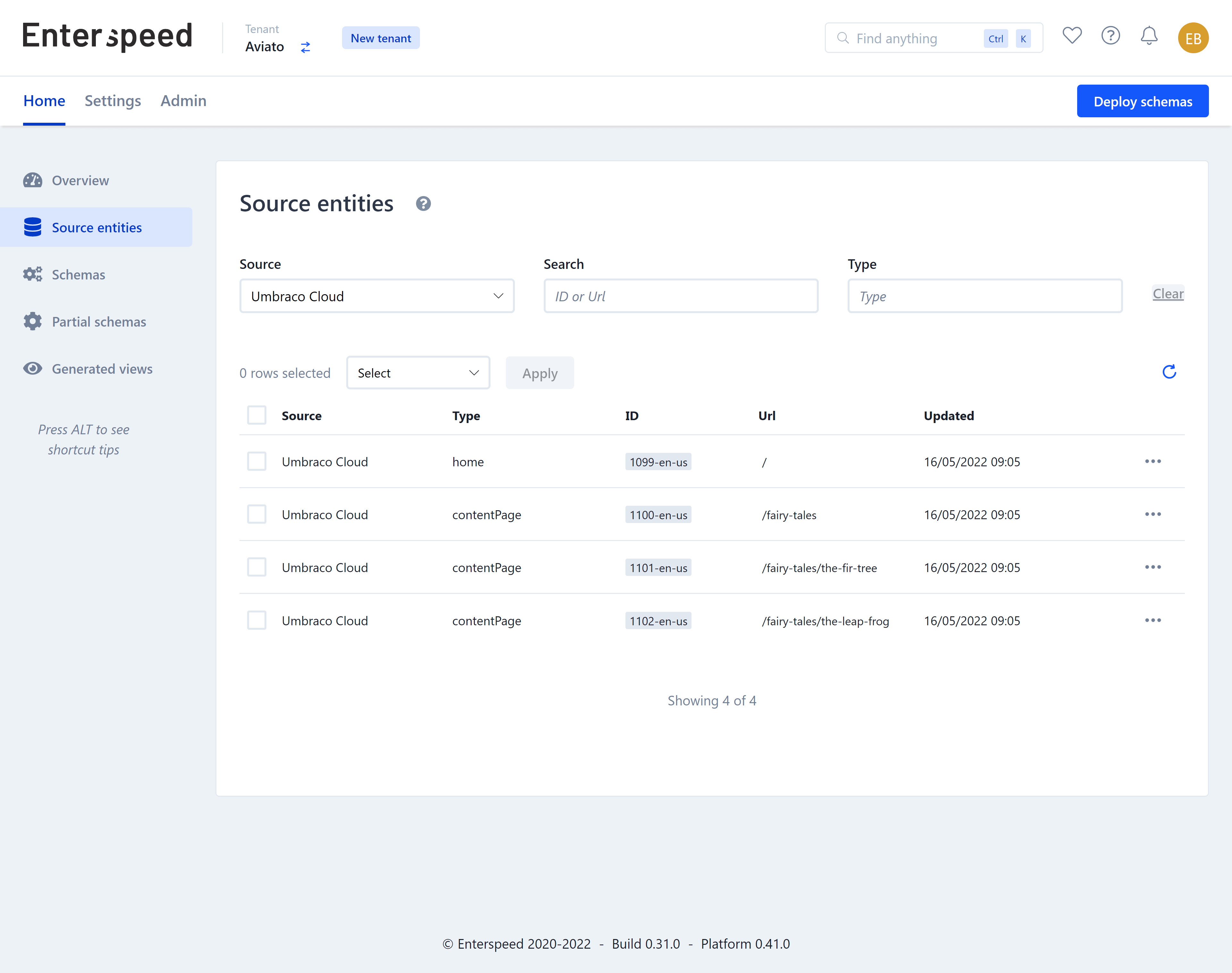
You can also use the Enterspeed Management App to manually ingest data directly from the Source entities page. This is useful for testing or for one-time data imports.Viewing ingested data
Once your data has been ingested into Enterspeed, it will be visible under Source Entities. You can click on the View button to see the data for the source entity.