One source group per system
Before you can ingest data (source entities) into Enterspeed, you need to create a source group to store the data. In general, you want to create a source group for every source system that you’re ingesting data from. So basically, that’s one source group for your CMS data, one source group for you PIM data, one source group for you ERP data, and so on. Within each source group you can then have multiple sources, typically one per environment, or two per environment if you have both published and preview data which is often used in CMS’s. Names for source groups and sources could be something like:-
CMS
- [PROD] Preview
- [PROD] Published
- [DEV] Preview
- [DEV] Published
-
PIM
- [PROD] Data
- [DEV] Data
Only ingest your source entities when fully updated
When you ingest source entities, it’s important that you don’t do multiple “partial” ingests, such as ingesting a single source entity every time a single field is updated in the source system.This could be if your source system auto saves and sends a save event everytime an editor changes a single field, instead of when the editor is done updating all necessary fields and clicks save. Doing multiple ingests for a single source entity, one for every single property change, will create multiple unnecessary view generations. And that can result in larger job queues and delay the final view generation. Instead, make sure to only ingest source entities one time once they’re fully updated.
Exclude unused properties that change often
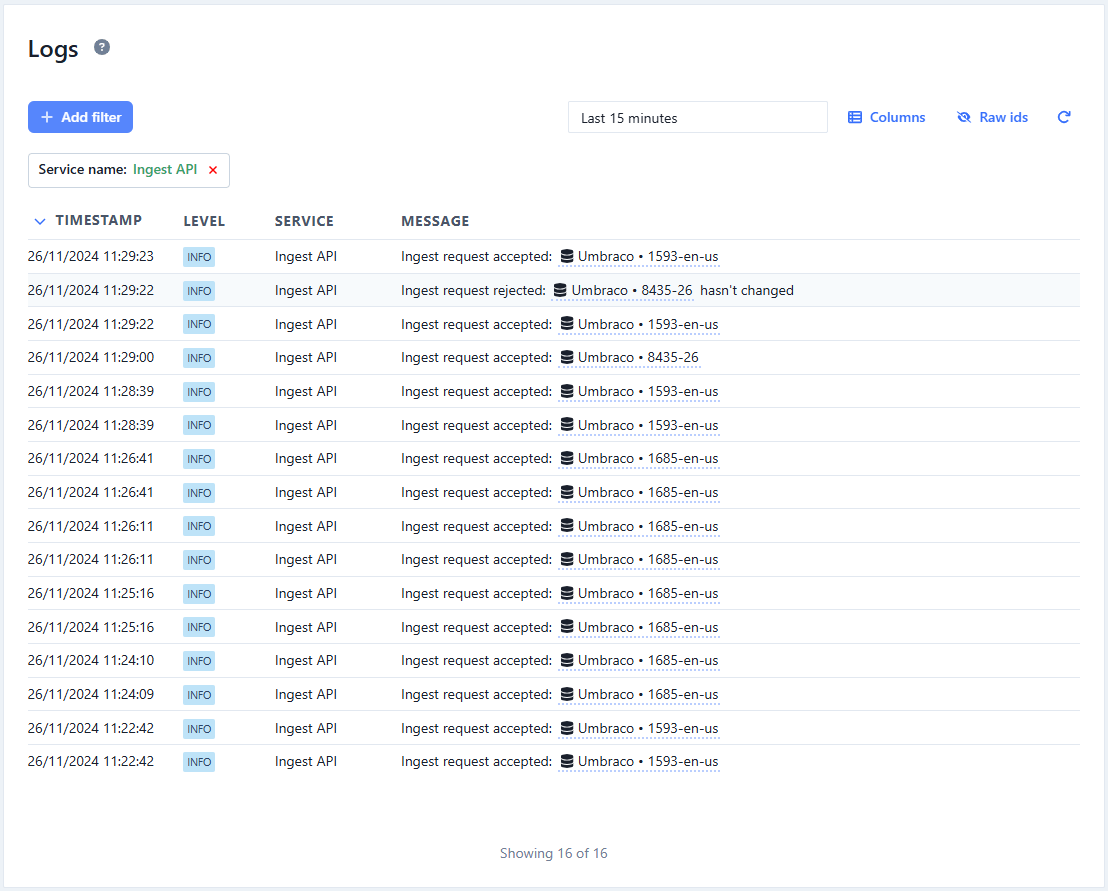
In general, you can ingest all your properties for a source entity type to Enterspeed - and then only map the properties you actually need in the schemas. Enterspeed will even detect if you’re ingesting a source entity with no changes since the last ingested version of the source entity, and will not start processing a new view. However, if some of your properties change often and you don’t use these properties, you shouldn’t ingest them. If you do it’ll generate new views on every ingest even though the views aren’t changing. This could be if you have a stock count property that change every time a customer buys a product - but you either aren’t using that stock count or perhaps only use it to return a boolean such as “true” if the stock count is larger than zero or “false” if it’s zero. If that’s the case, Enterspeed will regenerate the view every time the stock count changes from 100 to 99 to 98 to 97 and so on with the same result. In this case you should ingest the boolean value instead of the stock count.You can use the Management App’s log function and filter by Ingest API to see exactly how many ingest requests you’re doing.