Sources & Environments in Enterspeed
Start by logging into Enterspeed: https://app.enterspeed.com In this step, we’re going to:- Create sources
- Create and configure domains
- Create environment clients
Creating sources
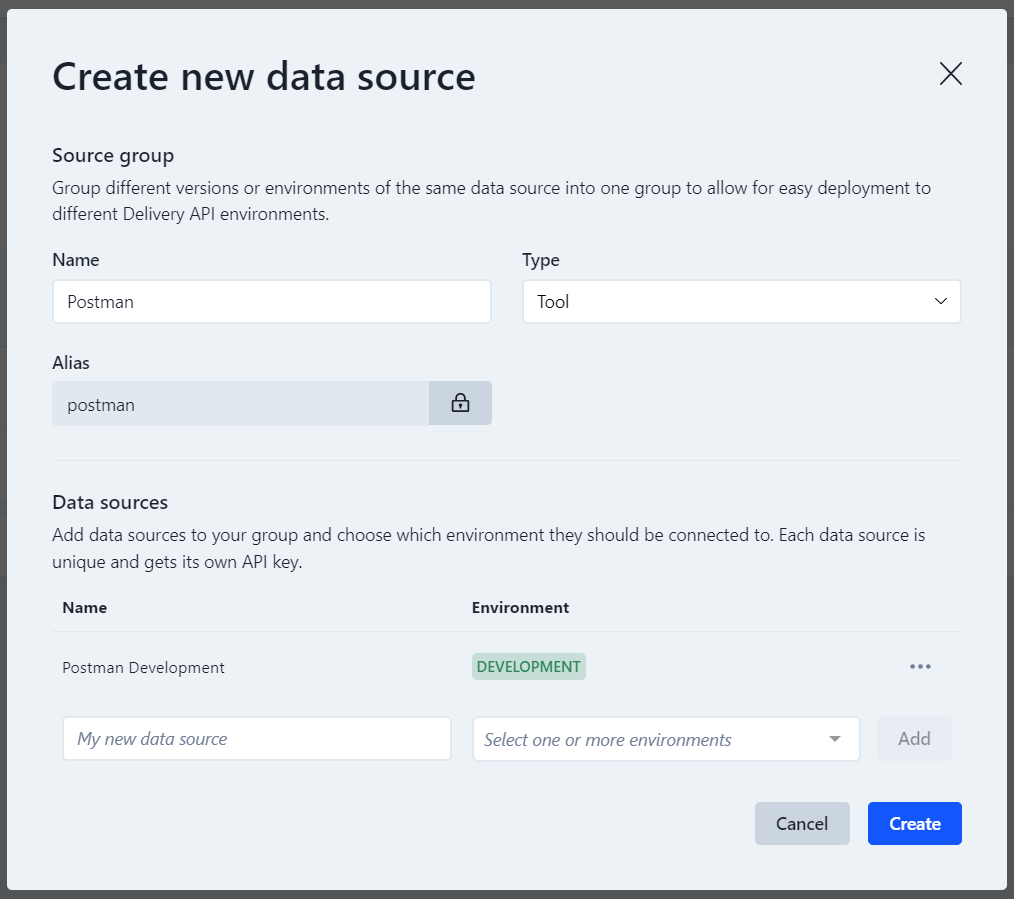
Go to Data sources under Settings and click the Create group button. This will open a modal that allows you to create a new source group. A source group can have multiple data sources attached, which each have its own unique API key.
Give your source a name (e.g. Postman) and select a type (e.g. Tool). Afterward, add a data source by giving it a name (e.g. Postman development) and select an environment (e.g. Production), then click the Add button. Lastly, click on the Create button.
Creating and configuring domains
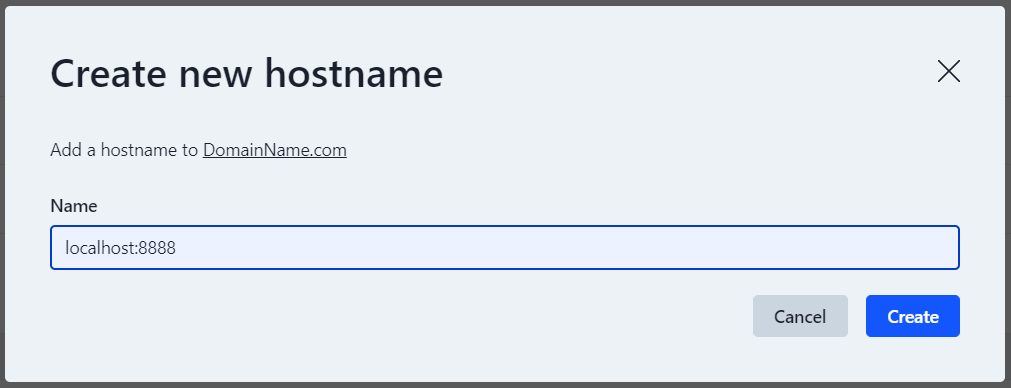
Go to Domains under Settings -> Environment settings and click the Create button. Give your domain a name (e.g. DomainName.com) and click on the Create button.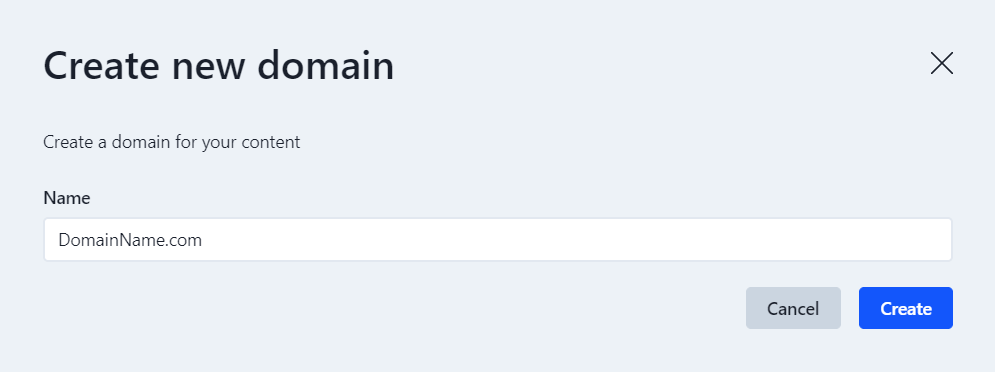
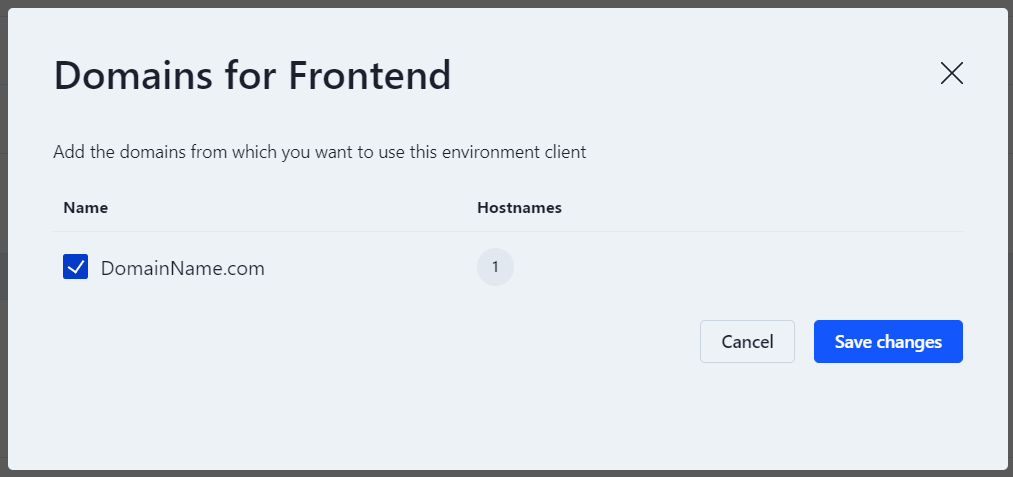
Domains are used in Enterspeed as a way of filtering your data if you have multiple data sources. You can name it whatever you like, but we recommend using the same name as your domain name for ease of use.
Creating environment clients
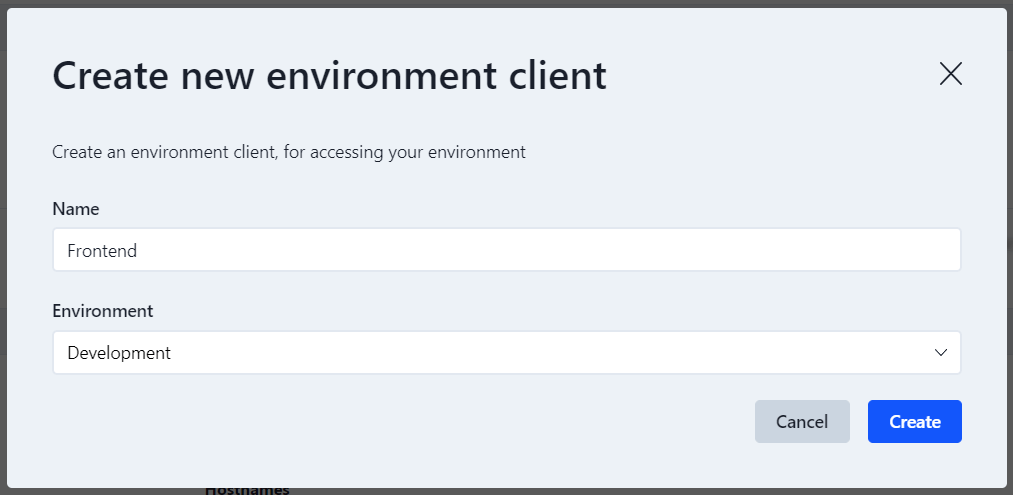
Navigate to Environment clients under Settings -> Environment settings and click the Create button. Give your environment client a name (e.g. Frontend) and select the Environment you just created. Afterward, click on the Create button.