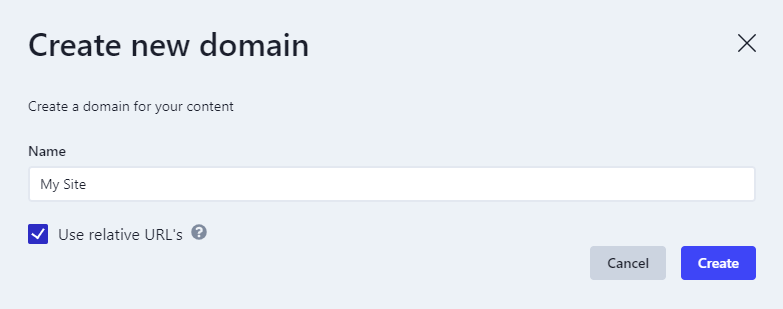
- When your content is processed, the hostname in a source entity’s URL decides whether a URL route is created for the resulting view. If the hostname isn’t registered on a domain at that point, no URL route is created.
- When you request data, the domains linked to your environment client decide which data the request can return, so you get the data for the right site.
Environment clients
Environment clients are always linked to exactly one environment and provide an API key to be used in the delivery API request.Domains
Domains are site-specific and not Environment client specific. This means that an Environment client can have multiple domains as an Environment client can point to an environment with multiple sites. This could be the case if you, e.g. have a single CMS installation containing multiple sites.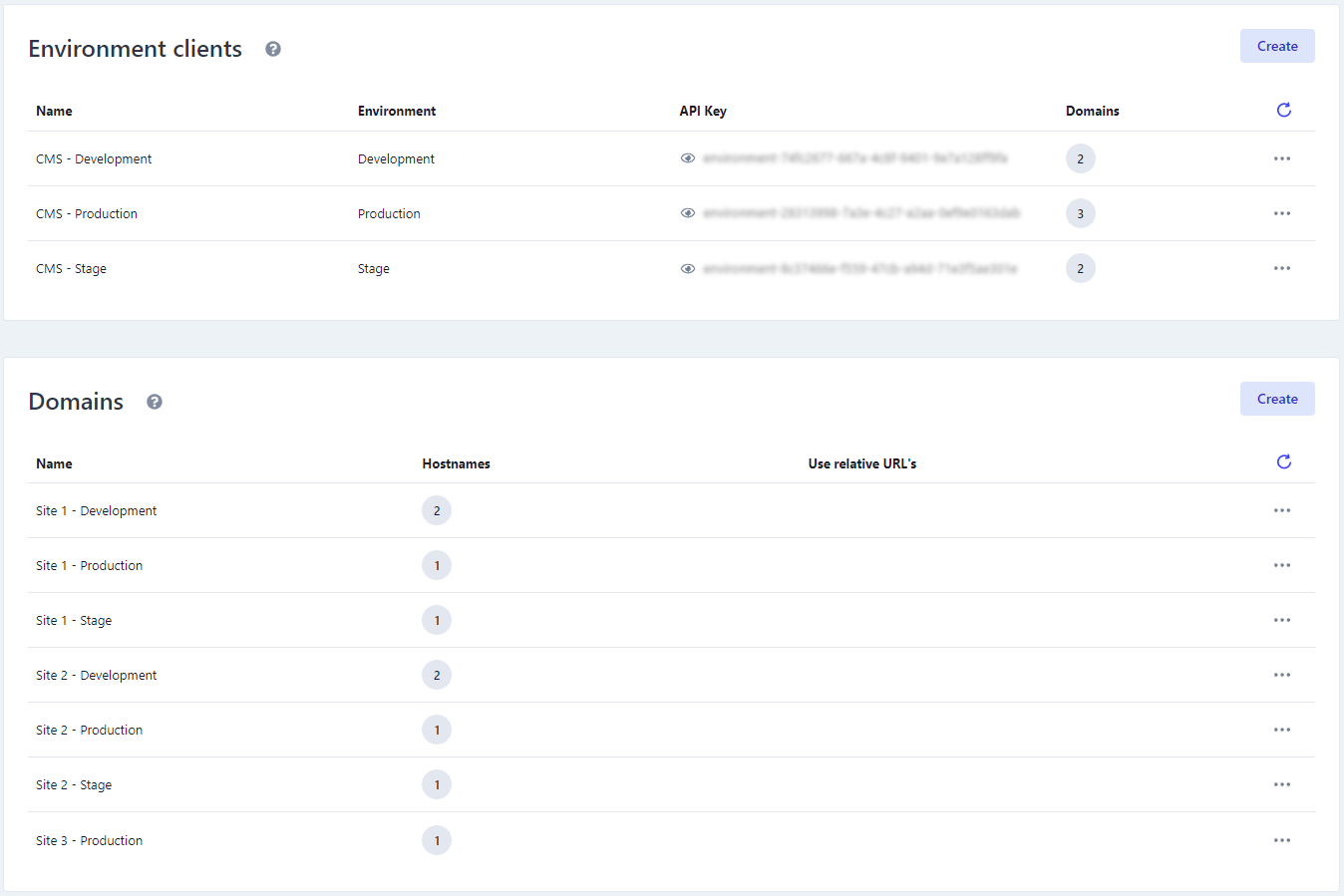
Domains are site-specific and should only contain hostnames related to one specific site.
Hostnames
A domain can have multiple hostnames if the same site is available on multiple hostnames.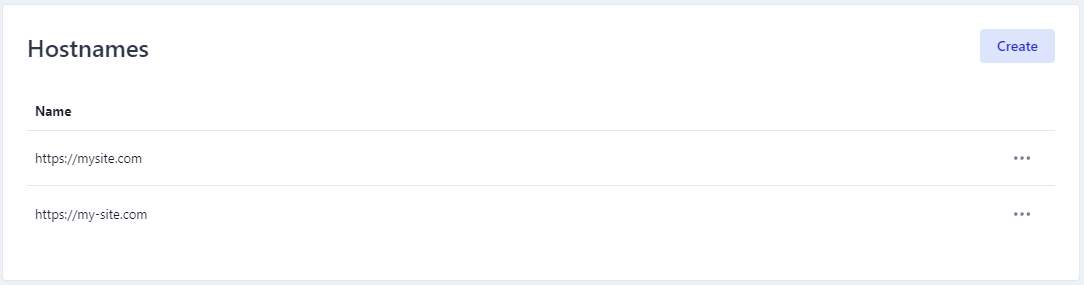
Don’t use the same domain for hostnames associated with different sites, as domains are site specific.Using the same domain for hostnames associated with different sites can result in data from the wrong site being returned from the delivery API if two source entities have the same relative path.
Domains must exist before content is processed
A URL route is only created if the hostname in the source entity’s URL is already registered as a hostname on a domain at the moment the content is processed. If no matching hostname exists at that point, the URL route is skipped, and no error is returned. Handles are not affected. Handle routes are created regardless of your domain setup, which is why this problem nearly always shows up the same way: Adding the domain afterwards does not create the missing routes. Nothing goes back and rebuilds routes for content that has already been processed, so the URL routes stay missing until that content is processed again. Redirects work the same way. A redirect whose from URL uses an unregistered hostname is skipped for the same reason.How to fix it
- Register the missing hostname(s) on a domain, as described in Setting up domains.
- Then deploy the schemas that produce the URL routes. Deploying a schema reprocesses the source entities it triggers on, which creates the routes that were skipped.
Relative URL’s
If you only have one site, you could skip the hostnames and use the relative URL’s instead. This will, behind the scene, create a hostname with the value ofroot.tld, making it possible to use relative URL’s when requesting the delivery API.
root.tld is a hostname like any other, and the rule above applies to it too. A relative URL is resolved to root.tld when the content is processed, so root.tld has to be registered on a domain before that happens. If it wasn’t, adding it afterwards does not create the missing routes - the content has to be processed again.